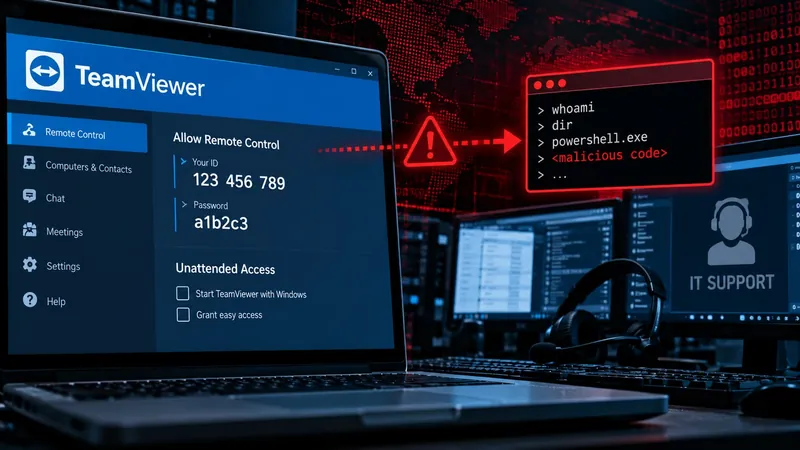
TeamViewer Vulnerability Lets IT Support Staff’s PCs Run Malicious Code
A memory-overflow flaw in TeamViewer’s screen-decompression routine, identified as CVE-2026-111585, lets attackers execute arbitrary code on an IT support technician’s computer as soon as a remote session is accepted. The bug is triggered by sending oversized screen dimensions—32,768×32,768 pixels—during the session handshake. The calculation that determines the decompression buffer size wraps around, allocating only about 4 MB instead of the required 1 GB. The decoder then writes past the allocated buffer, corrupting heap memory and enabling the attacker to redirect execution to WinExec or another payload.
The vulnerability was discovered by Remedio researchers on August 14 2026 and reported to TeamViewer’s Product Security team. TeamViewer confirmed the issue on October 22, assigned CVE-2026-111585, and released a patch in version 15.83 on October 27. The patch corrects the integer-overflow calculation and adds bounds checks to prevent heap corruption.
Why the flaw matters for help desks
Help desks routinely use TeamViewer to troubleshoot employee devices. Because the exploit activates automatically after a technician connects, the support tool itself becomes a vector that can compromise the technician’s own machine without any additional interaction. A compromised technician can then pivot laterally into the corporate network, exfiltrate data, or install persistence mechanisms.
The attack does not require credential theft or phishing. An attacker simply initiates a remote session with the exaggerated screen parameters. Once the technician accepts the connection, the code runs with the same privileges as the technician, which can include administrative rights on the host machine.
Immediate actions for IT staff
- Update immediately – Install TeamViewer 15.83 or later. The update corrects the integer-overflow bug and adds additional bounds checks.
- Verify version before accepting – Check the version number in the TeamViewer client before accepting any session. Disallow automatic session acceptance where possible.
- Audit remote-access workflows – Review policies around remote-support tools, enforce strict version controls, and monitor for anomalous session parameters.
- Enable logging – Ensure that session logs capture screen-parameter values. Anomalous dimensions can be a red flag.
Broader implications for remote-access security
The incident underscores the need for continuous monitoring of remote-access software and rapid patch deployment. Organizations that rely on third-party remote-support tools must maintain an inventory of installed versions, set up automated alerts for new releases, and enforce a policy that blocks connections from unpatched clients.
The flaw also highlights the importance of input validation in remote-access protocols. Even seemingly innocuous data—such as screen dimensions—can be weaponized if not properly bounded. Future updates to remote-access tools should include hardened checks for all protocol parameters.
What to watch next
- Potential exploitation – While TeamViewer reports no confirmed wild-world attacks, the flaw’s automatic activation raises the risk of silent compromise. Security teams should monitor for signs of heap corruption or unexpected process execution on support machines.
- Patch adoption – Track the adoption rate of the 15.83 update across enterprises. Low patch rates could leave a large attack surface.
- Vendor response – Observe how other remote-access vendors address similar integer-overflow risks. A coordinated industry effort could reduce the prevalence of such vulnerabilities.
Related coverage
- Web3 Wallet Drainer Threat Intelligence & Defense Playbook
- Binance Investigates $6.3B Theft After DevOps Laptop Compromise
- Multisig Wallet Theft Claims $7.4M Lost in Social Engineering Scam