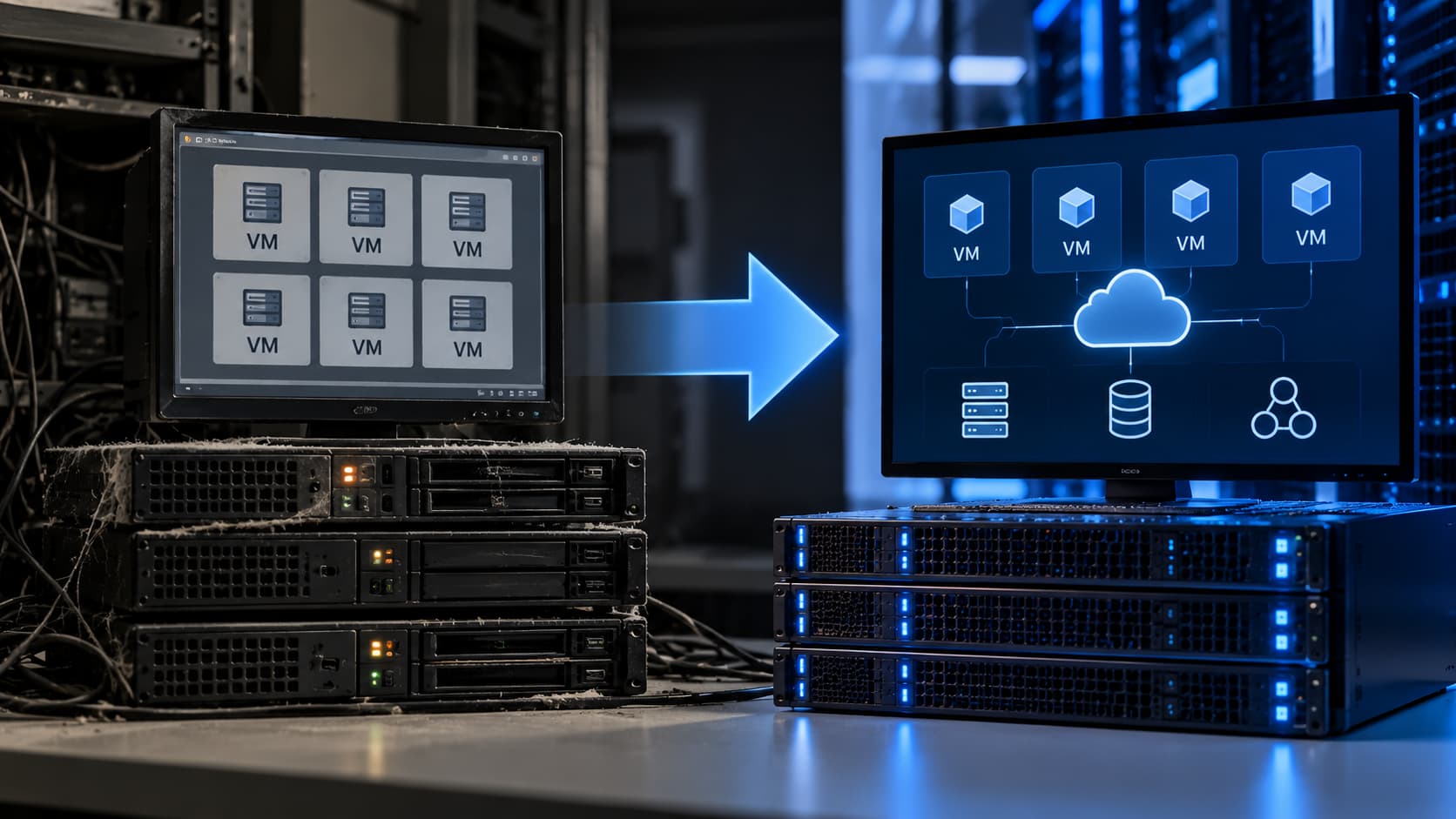
Legacy Virtualization Stacks Persist Despite Rising Costs
IT departments often keep old virtualization platforms in place because the effort to move users and applications is perceived as too risky. Yet the cost of maintaining those stacks grows in three ways: licensing fees, specialist labor, and limited deployment options. When the sum of those pressures exceeds the migration effort, a replacement becomes a business imperative.
Signs the Stack Has Aged
Administrators notice the stack’s age when routine tasks become repetitive. Frequent configuration changes, separate management consoles, and the need for specialized training drain time that could be spent on security hardening or new services. If updates require extensive testing across multiple components, the platform consumes hours that could otherwise improve service quality.
Hardware dependency is another red flag. When storage, servers, or network appliances approach end-of-support dates, especially if the design relies on proprietary components, the risk of a sudden outage rises. The cost of replacing or upgrading those assets can eclipse the expense of migrating to a newer stack.
Rising Costs Change the Equation
Licensing structures often fragment across gateway access, monitoring, load balancing, reporting, and user management. Each separate component adds to the bill. Maintenance labor compounds the expense: specialized administrators, recurring training, and prolonged troubleshooting inflate the total cost of ownership.
Finance teams should model the full operating model over several years, including software licenses, infrastructure refreshes, support contracts, training, administrative labor, and the cost of delayed changes. When that model shows a clear cost advantage for a modern platform, the business case strengthens.
Limited Deployment Choices Force a Shift
Legacy stacks frequently struggle to support hybrid environments. Organizations that keep on-prem workloads while moving selected applications to the cloud need a single management approach that spans both worlds. Modern solutions like Parallels RAS provide on-prem deployment, hybrid access, and direct integration with the Azure Virtual Desktop control plane. This architecture lets firms preserve current investments while migrating workloads incrementally, avoiding the need to force every application into a single hosting model.
User Requirements Have Evolved
Work patterns now include laptops, tablets, thin clients, and personal devices, often outside corporate offices. A suitable platform must publish desktops and applications across those devices without creating separate administrative processes. It should also handle printing, session access, and user authentication through a consistent workspace. Performance complaints—slow logins, unreliable sessions, or inconsistent application access—signal capacity issues or a platform that no longer fits current usage.
Building a Replacement Case
Before technical evaluation, IT leaders should set measurable acceptance criteria. Deployment time, user experience scores, and cost savings over a defined horizon are concrete metrics. Once those criteria are in place, a comparison of management models, deployment paths, licensing structures, and support requirements can turn frustration into a data-driven decision.
The Parallels RAS Advantage
Parallels RAS offers a unified management console that covers on-prem, hybrid, and cloud workloads. Its integration with Azure Virtual Desktop allows seamless control of virtual desktops across environments. The platform reduces the need for multiple specialist skill sets and consolidates licensing under a single model, cutting administrative overhead.
What IT Leaders Should Verify
- Confirm that licensing costs for the current stack are truly fragmented.
- Audit the age and support status of underlying hardware.
- Measure the time spent on routine configuration versus value-adding tasks.
- Test the performance of the current stack under peak user loads.
- Evaluate whether a modern platform can deliver the same or better user experience with lower total cost of ownership.
Open Question
As organizations weigh the trade-off between migration risk and operational cost, the question remains: how quickly can a modern stack be deployed without disrupting critical services? The answer will vary by size, complexity, and the specific legacy stack in use.
Related coverage
- Web3 Wallet Drainer Threat Intelligence & Defense Playbook
- Serengeti III arrest: 1,462 arrests and $105M recovered across 21 African nations
- Cardano ADA Payroll: Navigating Volatility, Tax, and Security